

Most articles about local LLMs follow the same format: here are ten models, here are their benchmark scores, here is a table comparing context windows. That’s useful if you’re doing research. It’s not useful if you’re a web developer trying to figure out whether any of this is actually worth setting up on your machine.
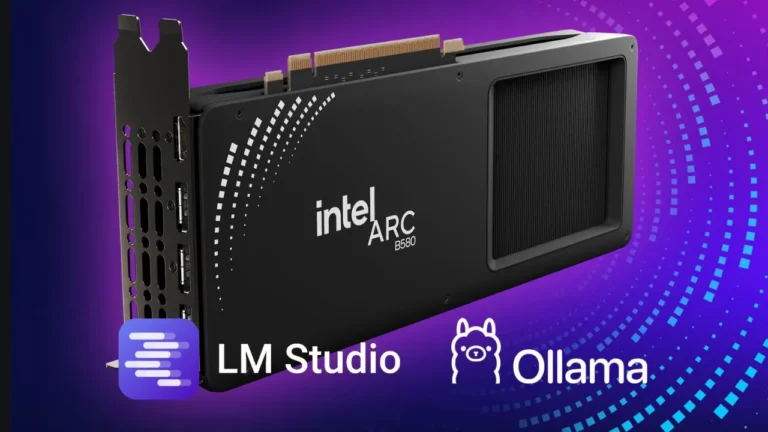
I’ve been running local models for a while now across two different setups, a Ryzen 7 7735HS laptop with integrated AMD Radeon graphics and a desktop with an Intel Arc B580 with 12GB of dedicated VRAM, and I want to write the article I wish I’d found when I started: what actually runs, what I actually use it for, and what I’ve quietly stopped bothering with.
The Hardware Reality Nobody Talks About

If you’ve read anything about running local LLMs, you’ve probably seen the same hardware recommendations: an RTX 4090, 64GB of RAM, maybe an Apple M-series chip. Those are fine if you have them. Most developers don’t.
My desktop runs an Intel Arc B580, which has 12GB of VRAM and costs considerably less than an NVIDIA high-end card. My laptop has no discrete GPU at all, just the integrated Radeon graphics inside the Ryzen 7 7735HS.
The Intel Arc situation is worth talking about specifically because it barely shows up in local LLM discussions. Arc’s support in tools like Ollama on Windows has improved significantly. The B580 handles quantized models in the 7B to 14B range without much trouble, and the 12GB of VRAM is genuinely useful, it gives you more headroom than a 8GB card, which matters when you’re running a model and have other things open. It’s not perfect.
Some models load slower than they would on NVIDIA hardware, and you’ll occasionally run into driver quirks. But for day-to-day development tasks, it works.
The laptop I mostly use for lighter tasks and when I’m away from the desk. CPU inference on the 7735HS is slow enough that I’m selective about what I run there, smaller models only, and I accept that I’m waiting a few extra seconds per response.
What I Actually Run: Three Models, Three Jobs
I rotate between three models depending on what I’m doing. This took some time to settle on, and I went through several others before landing here.
Qwen2.5-Coder is my main model for anything code-related. It handles JavaScript, Python, and web-adjacent work well, and it’s honest about uncertainty in a way that some models aren’t — it’ll tell you it’s not sure rather than confidently generating something broken. On the B580, I run the 14B variant quantized to Q4. Response times are fast enough that I don’t feel like I’m waiting.
DeepSeek-Coder gets used when I’m working on something more architectural — thinking through how to structure an n8n workflow, planning the logic of an automation before writing it, or reviewing code I’ve already written rather than generating new code. It reasons about structure well. I find it more useful for “is this approach sensible” than for “write this function.”
Gemma (the 12B variant) is what I reach for when I need something more general: debugging a weird error message, understanding a library I haven’t used before, or working through something that’s half-documentation and half-code. It’s the most conversational of the three, which sounds like a minor point but matters when you’re trying to explain a messy problem.
I don’t run all three simultaneously. I open the one I need, use it, and move on.
How I Actually Use Them
The common advice is to integrate your local LLM directly into your editor through something like Continue.dev or a similar plugin. I tried this. I stopped using it.
The issue isn’t that editor integration is bad in principle. It’s that inline completions trained me to accept suggestions too quickly, and I started reviewing code less carefully. Running the model in a separate terminal window, I use Ollama’s CLI and LM Studio depending on the machine, keeps a deliberate gap between “the model suggested this” and “I’m putting this in my codebase.”
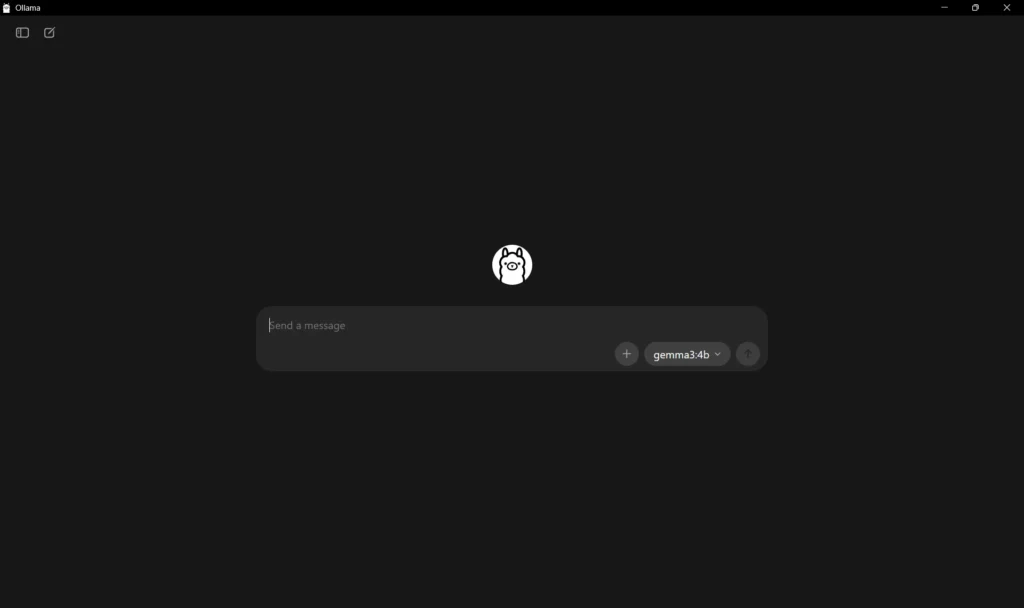
My actual workflow is straightforward. I keep a window open alongside my editor. When I hit something I want help with, I describe it in plain language, look at what comes back, and then write the code myself informed by the response. It’s slower than autocomplete. It produces better code, at least for me.
For n8n workflows specifically, this gap matters even more. Automation logic that’s subtly wrong is harder to catch than code that’s subtly wrong, because you’re often not watching it run line by line. I’d rather think through the LLM’s suggestion before building it into a workflow than discover three runs later that it’s been doing the wrong thing.
The Tasks Where It’s Actually Worth It
Not everything benefits equally from a local model. Here’s where I’ve found consistent value:
Debugging unfamiliar errors. When I hit an error message I don’t immediately recognize, describing the full context to a local model is faster than searching for it and usually more useful than the first three Stack Overflow results. The model can see the specific combination of factors, the library version, the surrounding code, the environment, in a way that a search can’t.
Writing n8n workflow logic. Before I build a node sequence, I’ll describe what I want to accomplish and ask the model to think through potential edge cases. It catches things I haven’t considered. Not always, but often enough that it’s become a standard step.
Code review on my own work. Pasting a function and asking “what’s wrong with this” or “how would you improve this” produces useful feedback more often than I expected. It’s not a replacement for a human reviewer, but for solo projects it fills a real gap.
Understanding code I didn’t write. Drop in a complex function from a library’s source code and ask for an explanation. This has saved me significant time when working with dependencies that have minimal documentation.
What I’ve Stopped Doing
I no longer ask local models to generate complete features from scratch. The output needs enough review and rewriting that it’s usually faster to write it myself. The value is in the conversation, not in copying the output directly.
I’ve also stopped trying to run the largest model I can fit in memory. Bigger isn’t always better for development tasks. A 7B or 14B model that responds in two seconds is more useful in practice than a 30B model that takes fifteen seconds per response and makes me lose my train of thought.
Setup, Briefly
For the desktop, I use Ollama on Windows with the Arc B580. Ollama’s Windows support has gotten solid, and Arc GPU offloading works out of the box for most models now, no manual configuration required. I pull models with ollama pull and query them from the terminal.
On the laptop, I use LM Studio for its interface when I want to compare model responses quickly, and Ollama when I’m in the terminal anyway. CPU inference on the 7735HS is usable for 7B models. Anything larger and the wait becomes disruptive.
If you’re starting from nothing, install Ollama, pull qwen2.5-coder:14b if your hardware can handle it or qwen2.5-coder:7b if you’re on a budget, and spend a week using it for debugging and code review before you decide whether it’s worth going deeper. That’s the honest recommendation.
Is It Worth It?
For web developers specifically, yes, with realistic expectations. Local LLMs are not going to write your application for you. They are genuinely useful as a thinking partner that’s always available, costs nothing per query, and keeps your code on your machine.
The privacy argument is real for some projects. The cost argument matters if you’re doing a high volume of queries. But honestly, the most underrated benefit is availability: no rate limits, no API downtime, no waiting for a response to come back from a server somewhere. It’s just there when you need it.
But if you prefer other solutions for writing your code, you can also use Github Copilot directly in VS Code and create any web application you can imagine, and now it’s even easier with autopilot mode.
The setup takes an afternoon. After that it’s just another tool in the workflow.
